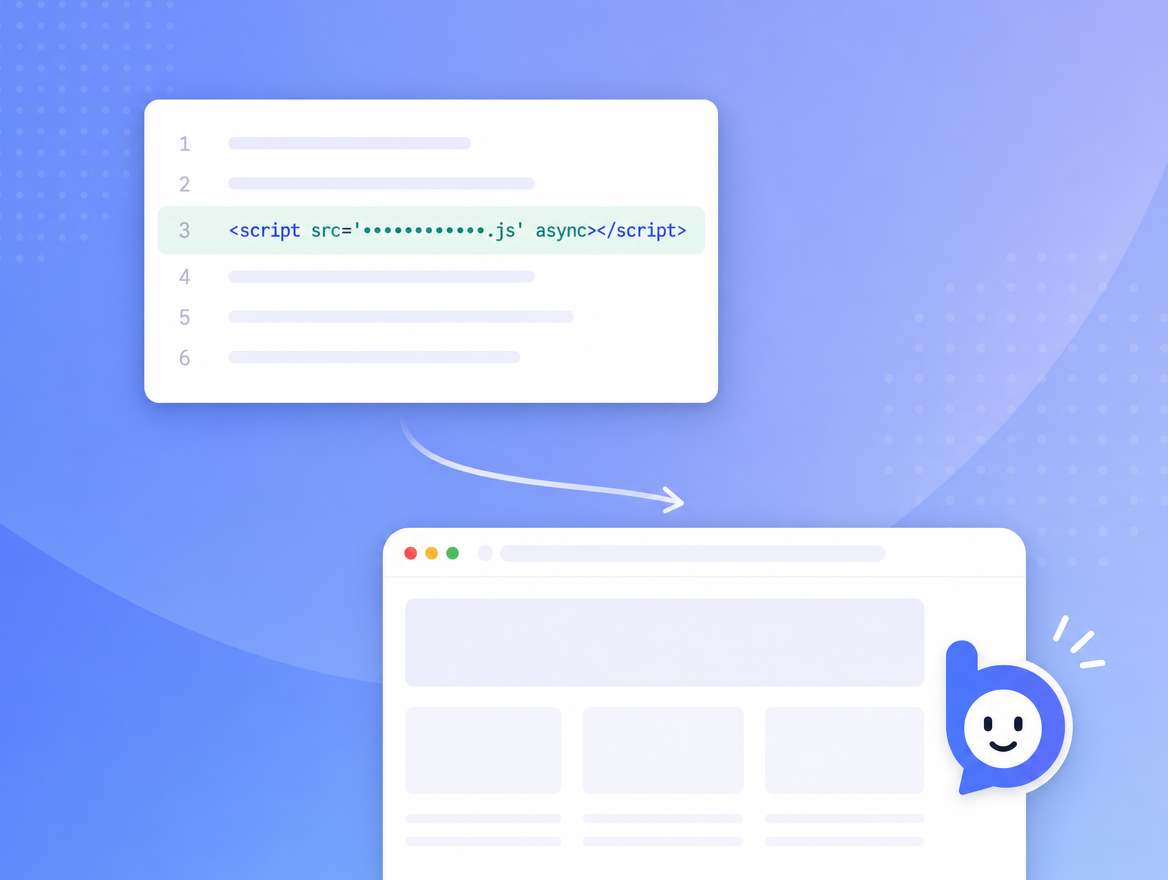
Drop in a script tag
Paste one line in your site's <head>. Bruno renders
inside a Shadow DOM, so it cannot leak styles into your app.
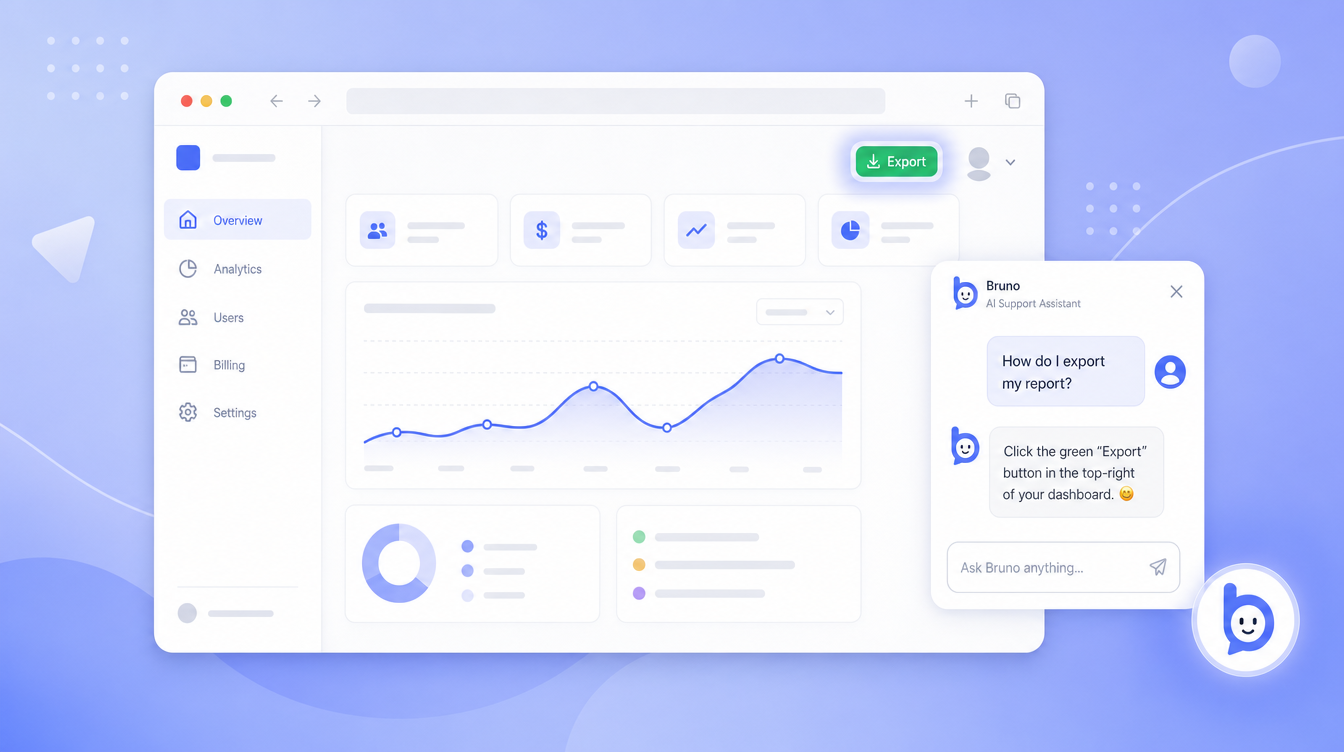
Bruno highlights the right element, explains it in chat, and - with the visitor's consent - clicks, fills forms, and navigates for them. One script tag. Knowledge comes from PDFs and text files you upload.
Built for product, support, and growth teams who answer the same question every day
Bruno is shipped as a tiny embeddable widget. You point it at your knowledge files and it does the rest.
Paste one line in your site's <head>. Bruno renders
inside a Shadow DOM, so it cannot leak styles into your app.
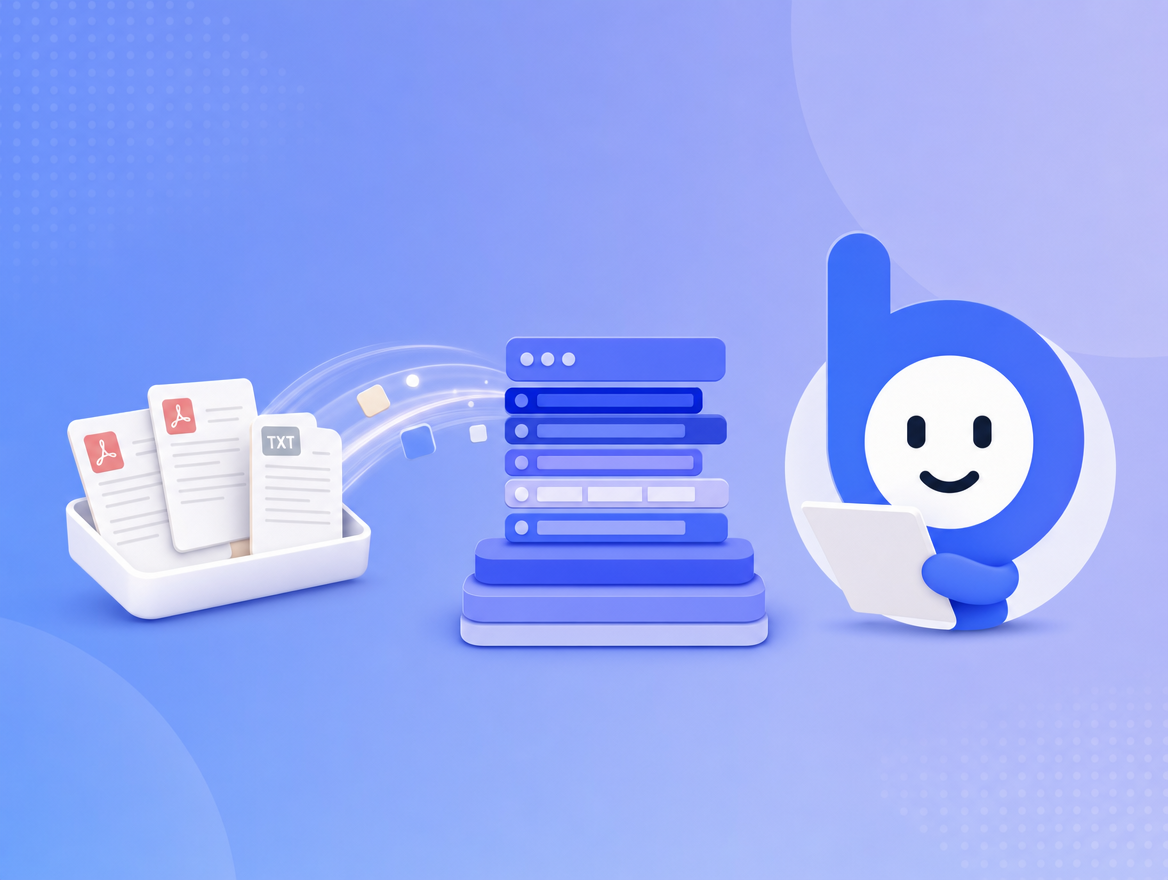
Drag in PDFs, runbooks, help-center exports, or plain text. Bruno chunks, embeds, and indexes them per-website. No retraining, no data leaving your tenant.
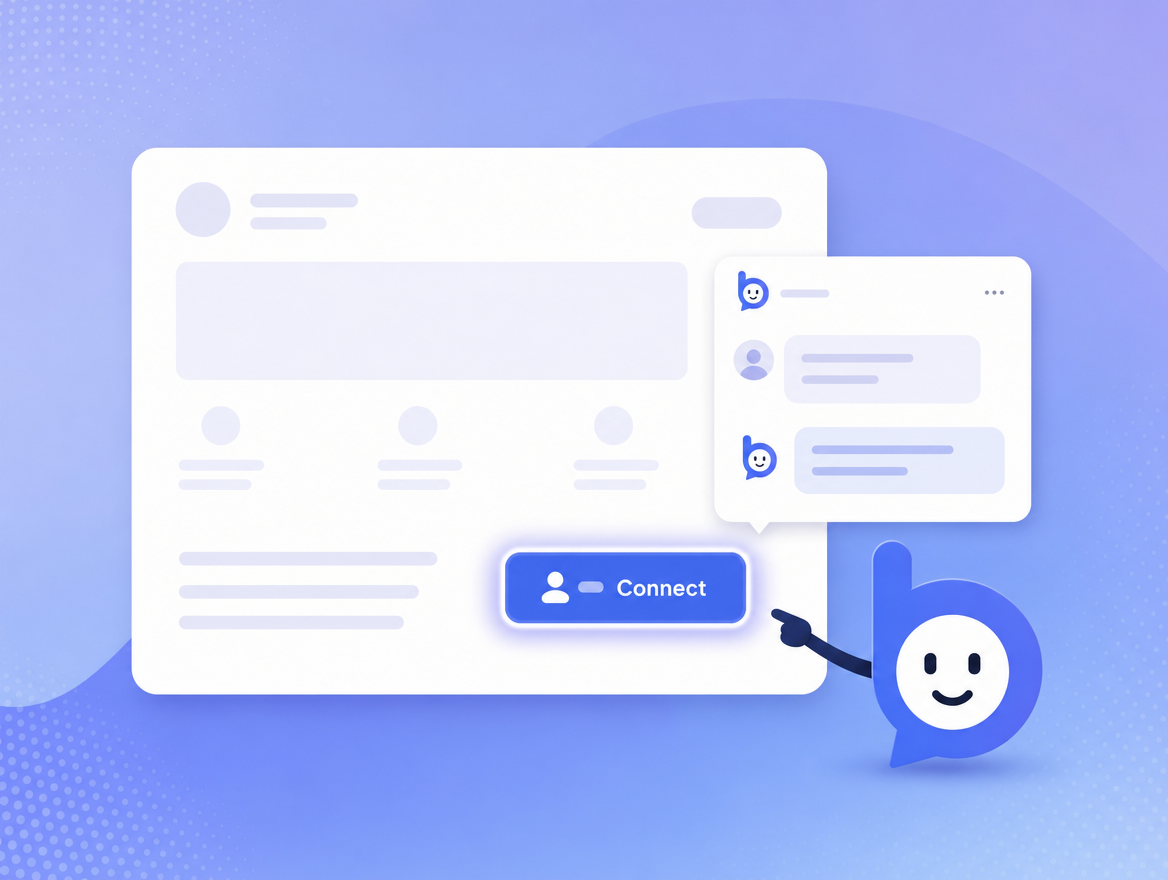
It highlights the right element, explains it, and - with consent - performs the next step. If it can't, it teaches the visitor how to do it themselves.
The widget loads asynchronously, isolates itself in a Shadow DOM, and respects your Content-Security-Policy. It works on any stack: Next.js, Rails, Webflow, Shopify, static HTML, you name it.
prefers-reduced-motion and dark mode.<!-- Add to your <head>. Replace YOUR_KEY with your embedKey. -->
<script
src="https://app.bruno.support/v1/site/YOUR_KEY.js"
async
defer></script>Most chatbots can only talk. Bruno talks, points, and does - and it asks before it does.
Bruno draws a soft outline around the exact element a visitor is asking about, with a one-line teaching hint that follows the cursor.
Answers come from your uploaded PDFs and text, ranked by semantic similarity, then grounded against the live page the visitor is on.
Bruno proposes an action ("Click 'Save' for you?"), shows a 3-second preview, and only proceeds if the visitor allows it.
If completing a task means navigating to another page, Bruno carries the original request across the navigation and finishes the job on the new page.
Drag PDFs, markdown, plain text, or runbooks. Bruno chunks, embeds, and re-indexes in the background. Re-uploads are deduped at the chunk level.
Each website is its own tenant: knowledge, conversations, billing, and AI prompts are all scoped, with row-level checks on every query.
When Bruno wants to click, fill, or submit on the visitor's behalf, the chat shows an explicit consent card. The element gets a 3-second preview highlight first, and the visitor can say "No, I'll do it" at any point. Bruno will then guide them with a hint instead.
Numbers are illustrative ranges from teams using Bruno's hybrid actions on top of their existing help center.
Start free, then scale from a single small site to a national brand. Each plan includes a set number of human agents for live chat handoff; top up usage when you need more.
Need more? Top up usage any time, or contact us for limits beyond Corporate.
Paste a single script tag in your site's <head>.
Most teams are live in under five minutes. Knowledge ingestion (PDFs / text) runs
in the background and is searchable within minutes of upload.
Bruno reads PDFs, markdown, and text files you upload in your dashboard, plus the live page the visitor is on (its title, headings, visible interactive elements, and same-origin links).
Bruno never trains models on your data. We use OpenRouter for inference and embeddings, and your content stays in your tenant.
Yes - but only after the visitor explicitly consents to each action. Bruno shows a preview of the target element for three seconds before performing it. The visitor can always say "No, I'll do it" and Bruno will guide them with a hint instead.
Password fields are blocked. Cross-origin navigations are blocked.
Yes. Bruno hooks into pushState,
popstate, and hashchange, so the
assistant always knows what page the visitor is on - including in React, Vue,
Svelte, Solid, or vanilla SPAs.
A simple monthly subscription with a fixed allowance of AI tokens included. Need more? Top up your wallet any time and Bruno will keep helping. You can change or cancel any time from the dashboard. See Pricing for the breakdown.
Tokens are the unit of work the language model consumes. Roughly, 1 token = ~4 characters of text. Both visitor messages and Bruno's replies count. We meter in tokens because they map directly to how much it costs us to run the model, so you only pay for what Bruno actually thinks about.
Uploaded knowledge files live in managed object storage. Conversations, messages, and embeddings live in our managed encrypted database, scoped per website. Everything is encrypted at rest and in transit. See our Privacy Policy and Subprocessors for the full list of vendors and regions.
Start free. Add a script tag. Upload your help docs. We'll do the highlighting.